
Account system
Where Did My Item Go? BDO Storage, Transport, Maids, and Magnus
Before you assume an item vanished, check your character, the town where you stored it, the Central Market warehouse, transport, and your alts. Those are separate places even when they look connected.
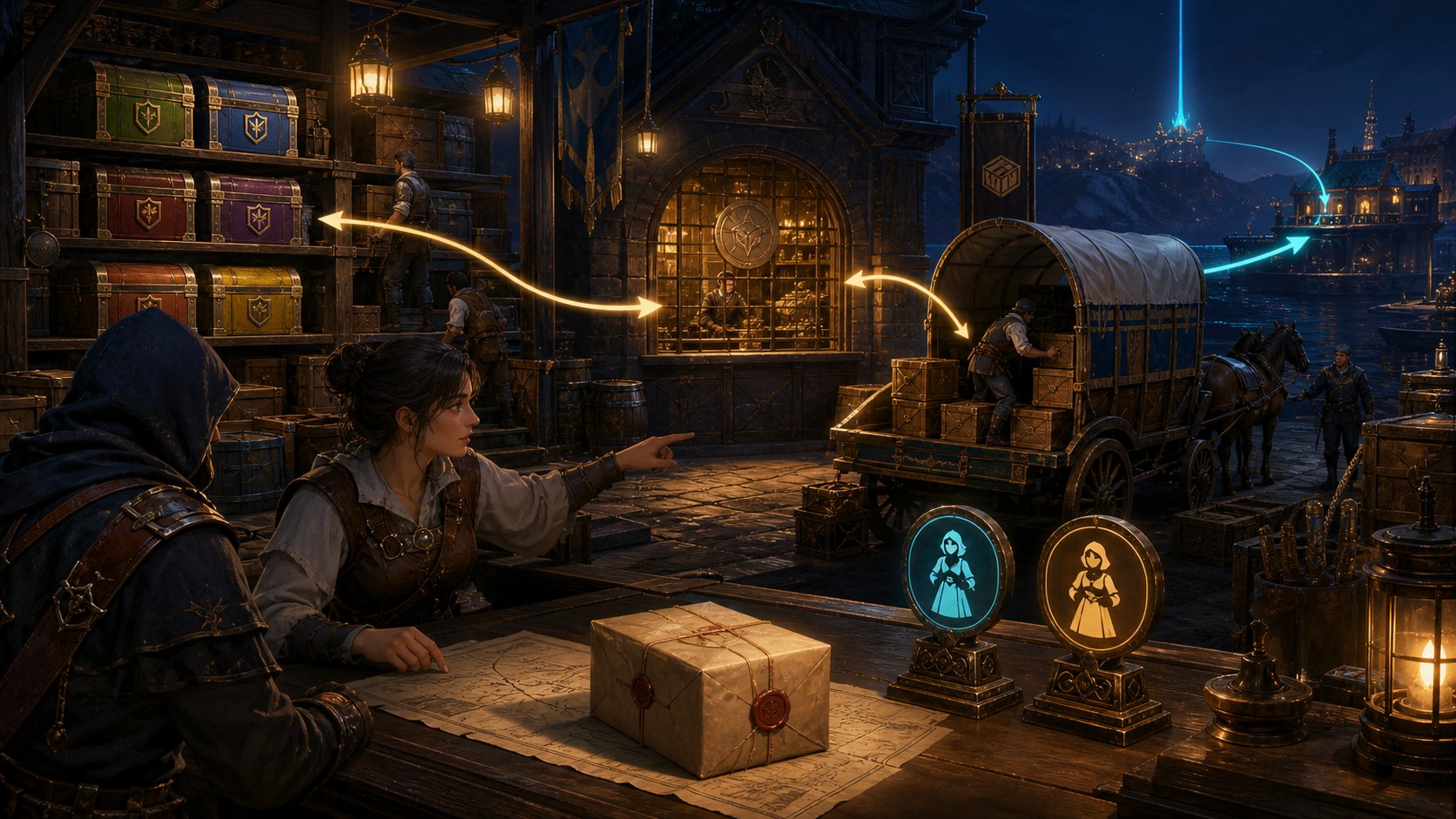
Press Ctrl+F, or open Esc > Function (F8) > Find My Item. It searches equipped gear, silver, every character and mount inventory, town storages, Black Spirit's Safe, and the Central Market warehouse, so it is the fastest first pass for a named item.
Read the result's actual location. Storage and Market results can be retrieved remotely when you have the relevant storage or transaction maid or butler available; Safe retrieval does not need one, while equipped items cannot be pulled from this window. You can also search multiple terms by separating them with a semicolon and no following space.
Town storage is not one giant stash [1]
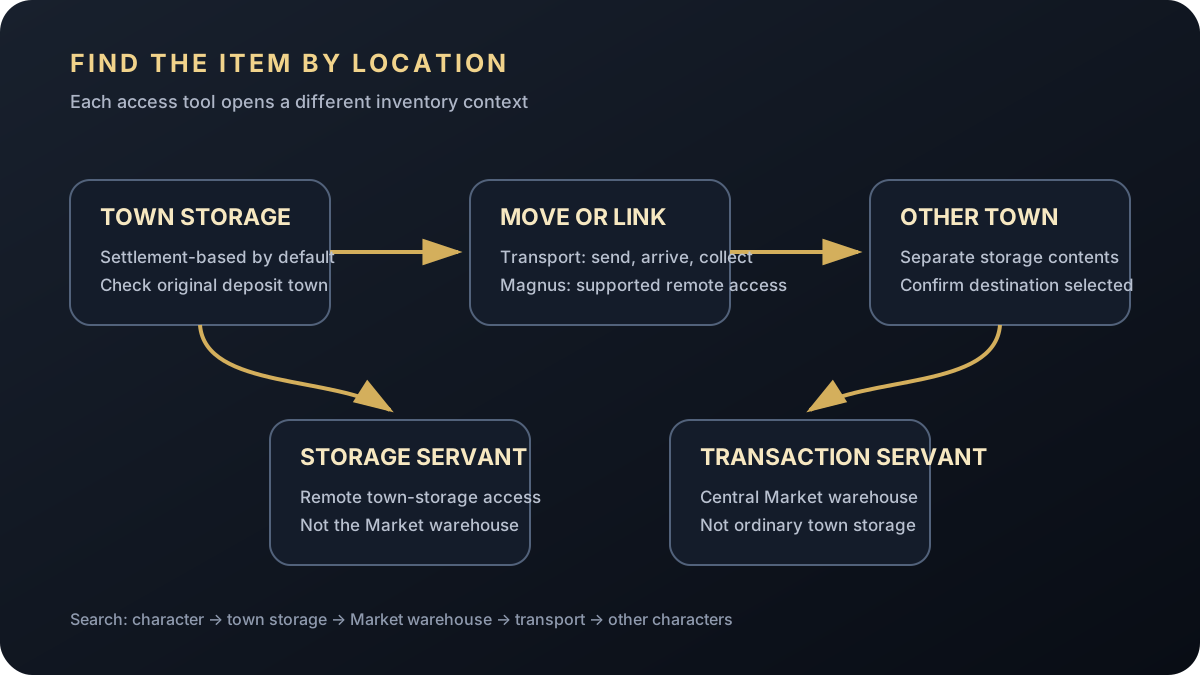
Storage Keepers hold settlement storage. Velia, Heidel, Calpheon, and other towns are separate by default, so a mat can exist on your account and still be in the wrong place for a worker, cooking, processing, or crafting loop.
Write down the source and destination for a big move. If remote access is unavailable, use the right logistics tool or travel to that Storage Keeper instead of reopening the same local storage.
Use transport for planned bulk moves [1]
Transport sends eligible items between locations over time. Confirm the departure storage and destination, then collect arrived goods through Transport Status at the destination.
Common trap: an arrival notice does not always mean the item is already mixed into the normal storage list. Check active and completed records plus the selected destination. Transport is best when the move is planned and does not need instant remote access.
Storage maids and butlers work with storage; transaction maids and butlers work with the Central Market warehouse. They are not interchangeable.
Decide whether the item belongs in town storage or the Family-wide CM warehouse, then check the in-game availability and remaining use shown for that maid. Opening the wrong servant and seeing an empty panel does not mean the item vanished.
What Magnus access does—and does not—do [1]
Magnus progression adds supported cross-region storage access and cuts a lot of travel. It complements town storage; it does not erase every storage rule.
Confirm the relevant unlock and the desired town in the current interface. CM inventory, transport, character-bound items, and equipped gear remain separate even when remote town access is available.
Work through one fixed chain and write down each result. The goal is to distinguish an item that is stored, equipped, in transit, deleted, expired, or genuinely absent before you escalate.
- Search the exact name with Ctrl+F Find My Item and inspect every returned location.
- Check the current character's inventory, equipment, alternate inventory tabs, mount, and other characters.
- Check the named town storage, Central Market warehouse, and Black Spirit's Safe as separate locations.
- At a Storage Keeper, review Storage History and Transport Status; arrived transport still needs Get All to enter destination storage.
- If you discarded a valuable item, open Item Recover: eligible deletions can be restored within 30 days, up to two times per month per Family under the current official rules.
- If an item is not eligible for self-service recovery or every location is empty, preserve the item name, time, character, and actions for support.
What to do next
Sources & patch checks
These official sources back the system facts and patch scope. BDOForge's explanation is original; the live game and linked official pages still win if something changes.
- [1] Official Black Desert storage guidePrimary storage and transport reference
- [2] Official Black Desert Maids and Butlers guideStorage and transaction servant reference
- [3] Official Black Desert Central Market guideMarket warehouse reference
- [4] Official Black Desert inventory and Find My Item guideItem recovery reference
- [5] Official NA/EU live patch reviewed for conflictsCurrentness check
Keep going
Account QoL
The Magnus: Fast Travel, Remote Storage, and Rewards That Matter
A detailed Black Desert guide to Abyss One: The Magnus, including Abyssal Vein travel, linked regional storage, key rewards, and troubleshooting checks.

Account QoL
BDO Character Tag & Item Copy: Set Up an Alt Without Wasting Fuel
Learn how Black Desert Character Tag and Item Copy work, including level and quest requirements, Marni fuel, gear exclusions, durability, and safe setup checks.