
Build presets
Artifacts & Lightstones: Build a Preset That Actually Procs
Artifacts are not four random bonus rocks. Pick the activity first, pair two artifacts with four intentional lightstones, confirm the combo is active, and save the result as a preset you will actually equip.
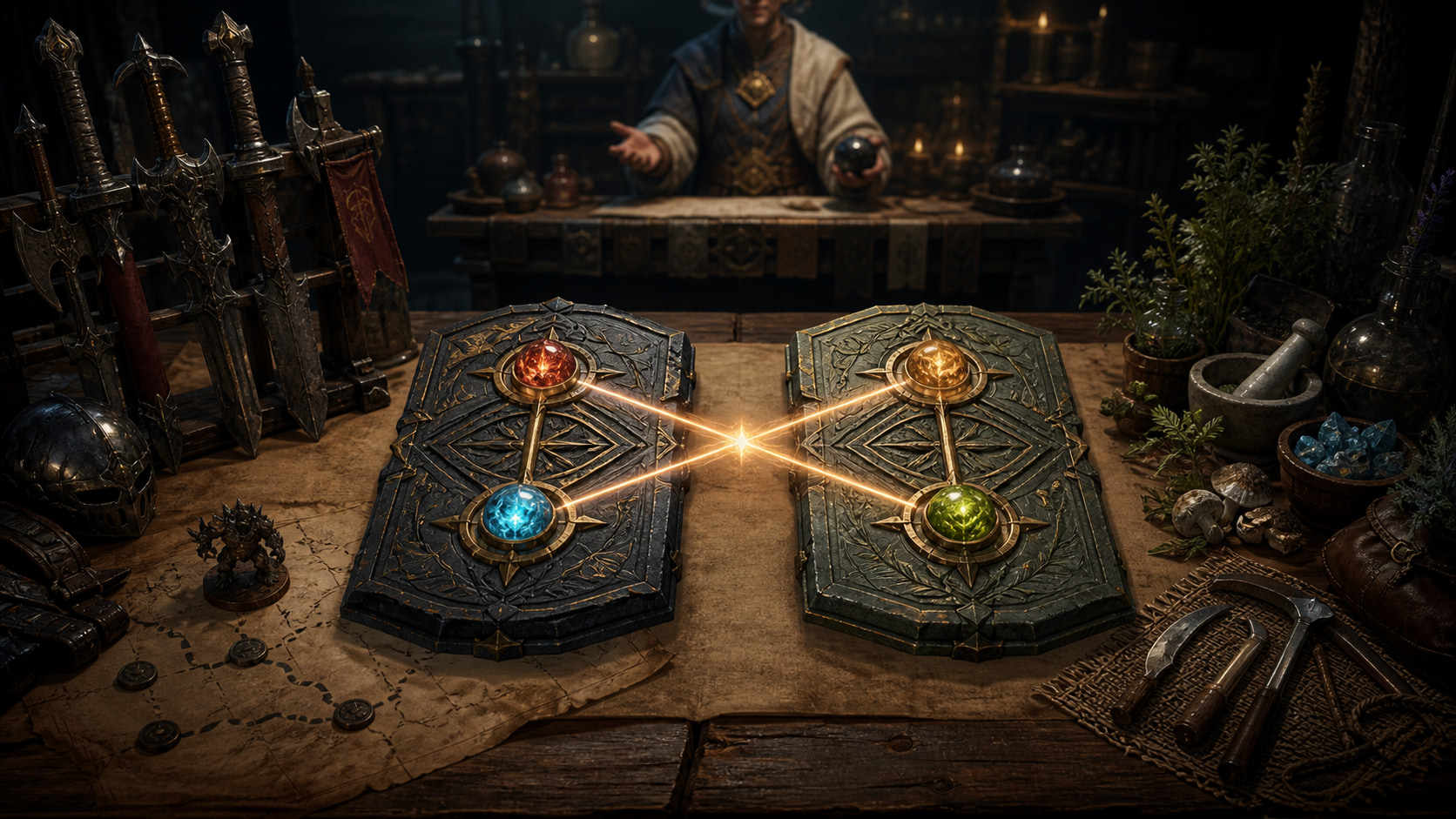
Start with the activity, not the rarest stone [1]
Decide what this preset must do: grind a specific zone, survive a mechanic, raise a Life Skill, move faster between packs, or support a PvP role. Artifacts provide their own effects and each holds two lightstones. The equipped pair therefore gives you four individual stone effects plus any valid combination they complete.
Do not mix 'good' combat and Life Skill stones into one vague loadout. A preset is stronger when every slot answers the same job. Write the job in one line, then reject any stone whose bonus does not advance it.
Use the Family-wide Artifact/Lightstone inventory and preset tools described in the official PC guide. Save a clear combat preset and a clear Life preset before building niche variants; clean defaults prevent you from entering content with the last activity's setup.
The official combination guide lists exact four-stone recipes and their resulting effects. Pick the desired combination, reserve all four required stones, and only then choose artifacts whose native effects complement that build. Owning three expensive pieces of a combo is the same as owning no combo until the fourth slot is correct.
Some combinations use an Iridescent Lightstone, which has no individual effect but participates in specific recipes. Do not call that slot dead if the completed set effect is doing the real work.
After infusion, equip the preset and inspect the active effects. A saved arrangement that is not equipped, a missing stone, or a similarly named stone can leave the combo inactive even when the planner looked right.
For combat, start with the monster zone and the stat problem you are solving: damage, accuracy, durability, sustain, or movement. For Life Skills, start with the exact activity and whether the bottleneck is mastery, experience, action time, or travel. The correct artifact family and combo follow from that problem.
A broad everyday preset is fine, but label it honestly. Do not use one convenience preset to claim best-in-slot performance everywhere. Add niche sets only when you can explain what they replace and when the swap pays for itself.
Use duplicate artifacts carefully. Their native effects can differ even within a named family, and infused stones belong to the specific artifact setup. Compare the actual item lines instead of sorting by icon alone.
The PC guide lists quests, monsters, bosses, Alchemy, alchemist NPC conversion, and the Central Market as acquisition paths for artifacts, Imperfect Lightstones, and Lightstones. The separate Purified Lightstones page publishes the current outcome tables. Check that official probability page before pricing a random opening as if it guarantees your missing stone.
Compare three routes: buy the exact lightstone, open the relevant Purified Lightstone, or use a supported exchange/conversion path. Count expected misses, unwanted outputs, and time—not just the price of one roll.
Protect valuable stones on the way out. The official guide distinguishes extraction, which uses the supported Blacksmith tool, from removal, which destroys the selected lightstone and cannot restore it. Read the confirmation verb before clicking.
Patch 10239 removed the Simple Alchemy recipes that converted specified older artifacts into Purified Lightstones and moved that workflow to an exchange with Dalishain. If a guide tells you to process those artifacts with the old recipe, that step is obsolete on current NA/EU PC.
The patch also updated affected item descriptions, so the in-game description is a fast sanity check. Keep Auto Arrange and artifact position rules in mind when the exchange instruction calls them out, and confirm the intended artifacts before handing anything over.
This change does not mean every unwanted artifact has the same exchange. Match the exact eligible item list in the live NPC exchange and patch notes; do not feed a useful build piece into a remembered recipe.
Patch 10451 added the Life-focused Margahan's Artifact and made it tradable on the Central Market. The same patch added HAN Reforge Stone crafting that consumes Magical Lightstone Crystals, creating another live use for a resource players may otherwise treat as spare dust. Price your artifact and crystal plan with those current sinks visible.
The August 28 Global Lab notice 19758 remains preview-only. It is not used to overwrite this live NA/EU PC setup, acquisition route, or recommendation. Live official PC guides, patches 10239 and 10451, and the canonical patch 10514 govern this publication until a later NA/EU patch actually ships a change.
Before investing, re-open the official combo list, verify the current item description, and equip the preset once in game. If the four stones do not light the expected effect, fix the loadout before buying side grades.
What to do next
Known official-source conflict
Conflicting official values are not repeated as settled facts. This is the publication disposition used for the current article.
- Global Lab notice 19758 is retained as preview-only research and is excluded from live NA/EU PC recommendations until equivalent changes ship in an official regional patch.
Sources & patch checks
These official sources back the system facts and patch scope. BDOForge's explanation is original; the live game and linked official pages still win if something changes.
- [1] Official NA/EU PC Artifacts & Lightstones guidePrimary PC system reference for artifacts, slots, inventory, presets, infusion, and extraction
- [2] Official NA/EU PC Lightstone Combinations guideCanonical PC recipe reference for four-lightstone set effects
- [3] Official NA/EU PC Purified Lightstones probabilitiesOfficial probability reference for Purified Lightstone outcomes
- [4] Official NA/EU patch notes for July 2, 2026Live change record for artifact exchange and Purified Lightstone acquisition
- [5] Official NA/EU patch notes for August 13, 2026Live change record for Margahan's Artifact and Magical Lightstone Crystal demand
- [6] Official NA/EU patch notes for August 27, 2026Canonical live-patch review boundary
Keep going
Account QoL
BDO Crystal Presets: Swap Safely, Extract Intact, and Handle Breaks
A current Black Desert crystal-system guide covering Crystal Inventory, Transfusion presets, extraction versus deletion, breakage, restoration, and locked slots.

Planning, Market & Patch Checks
Stop Guessing: Build a BDO Progression Plan for Your Account
Pick one account goal, find the real blocker, test cheap options, and set a checkpoint before committing silver to a BDO upgrade.