
BDOForge guide category
Enhancement & Gear
Enhancement does not need to feel like a panic click with your whole account on the line. This library turns failstacks, Naderr's Band, Agris Essence, Cron protection, artifacts, lightstone combos, Blackstar choices, and changing patch rules into practical preflight checks. Open the guide that matches the decision in front of you, confirm the live item preview, and spend stacks, silver, and materials with a plan instead of copying an old chart.
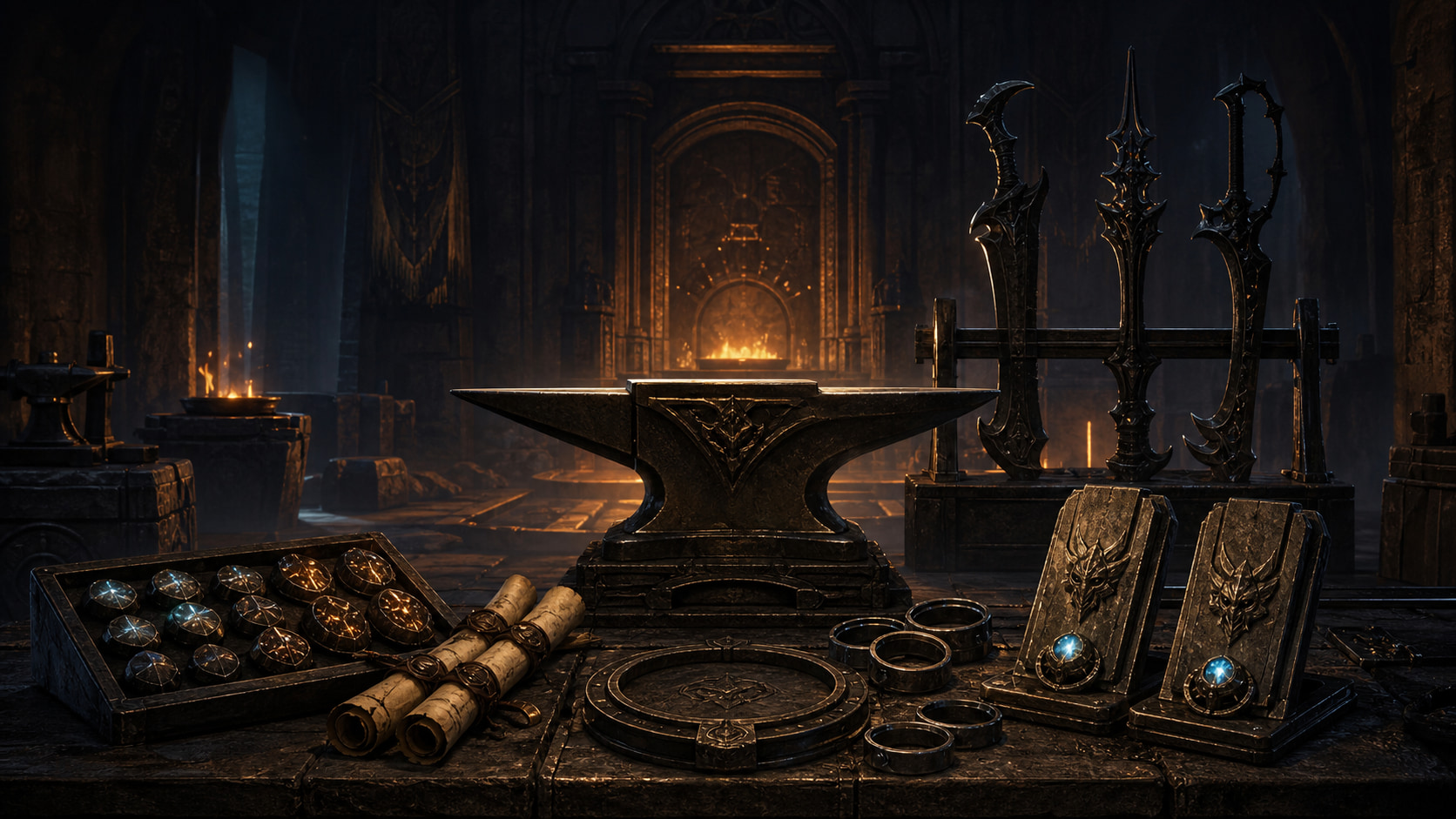
Why these guides make the cut
Each guide has enough original detail to solve a real player problem, plus a visible patch scope, official sources, custom BDOForge art, and a next step you can use in game. If a source conflict or patch gap is still open, that page stays out of this list.
Guides in this category
Enhancement & Gear
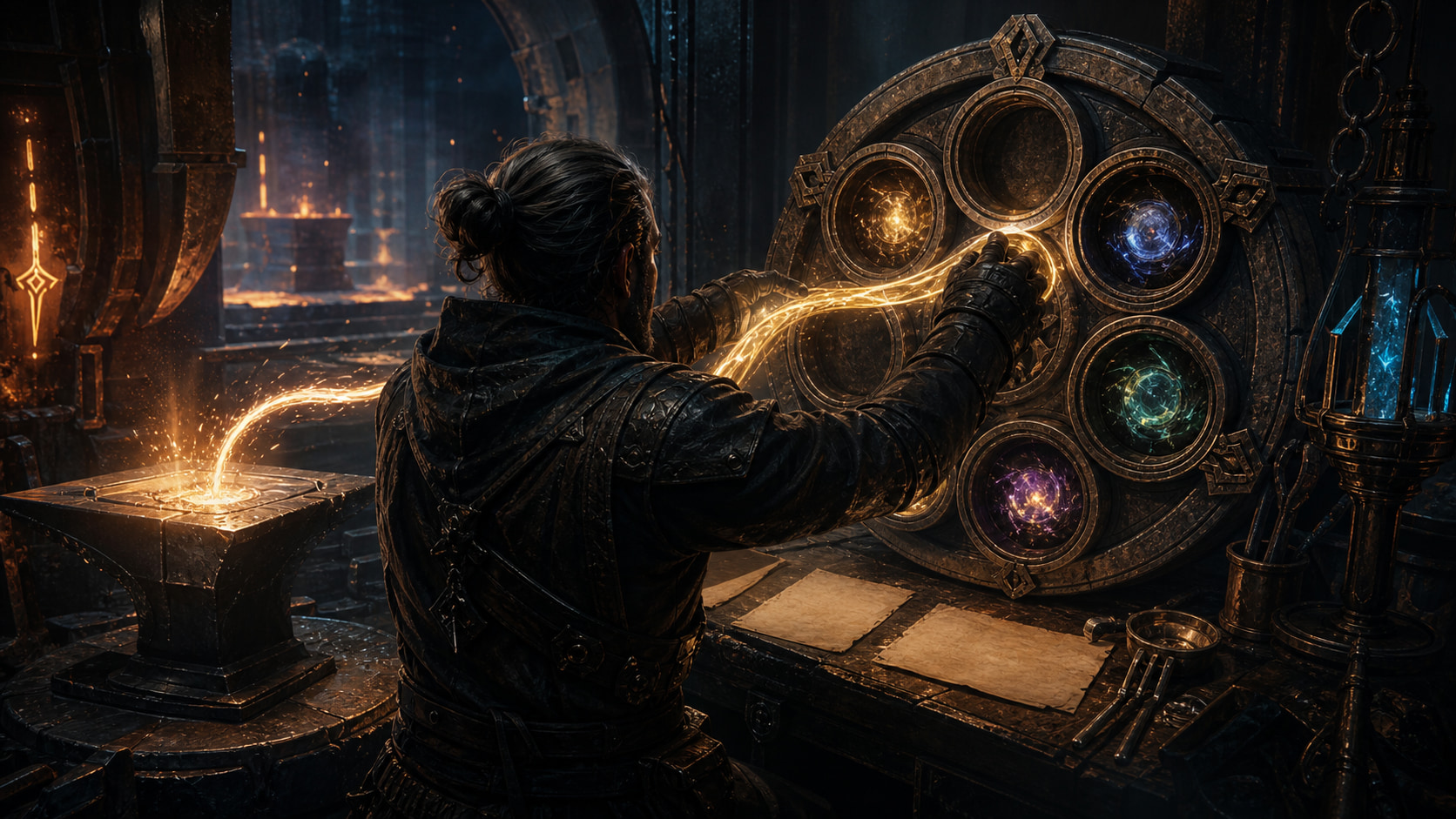
Naderr's Band: Store Failstacks Without Losing the Plot
Unlock Naderr's Band, park the right failstack, swap it back safely, and keep your enhancement session from eating a stack meant for better gear.
Enhancement & Gear
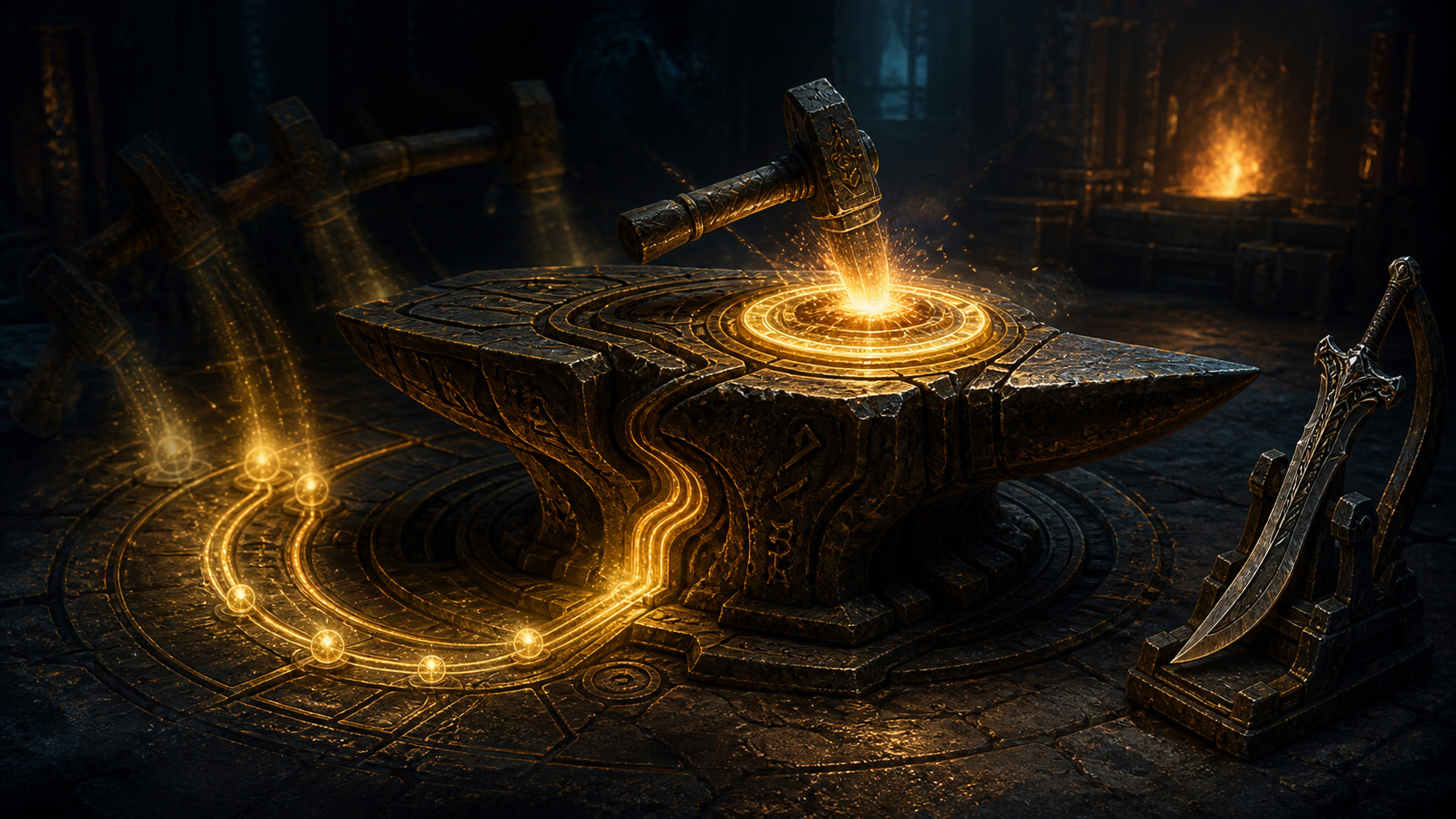
Ancient Anvil & Agris Essence: Read Your Real Pity Progress
Track Agris Essence on the correct item group and enhancement level, understand the guaranteed tap, and stop trusting stale pity charts.
Enhancement & Gear
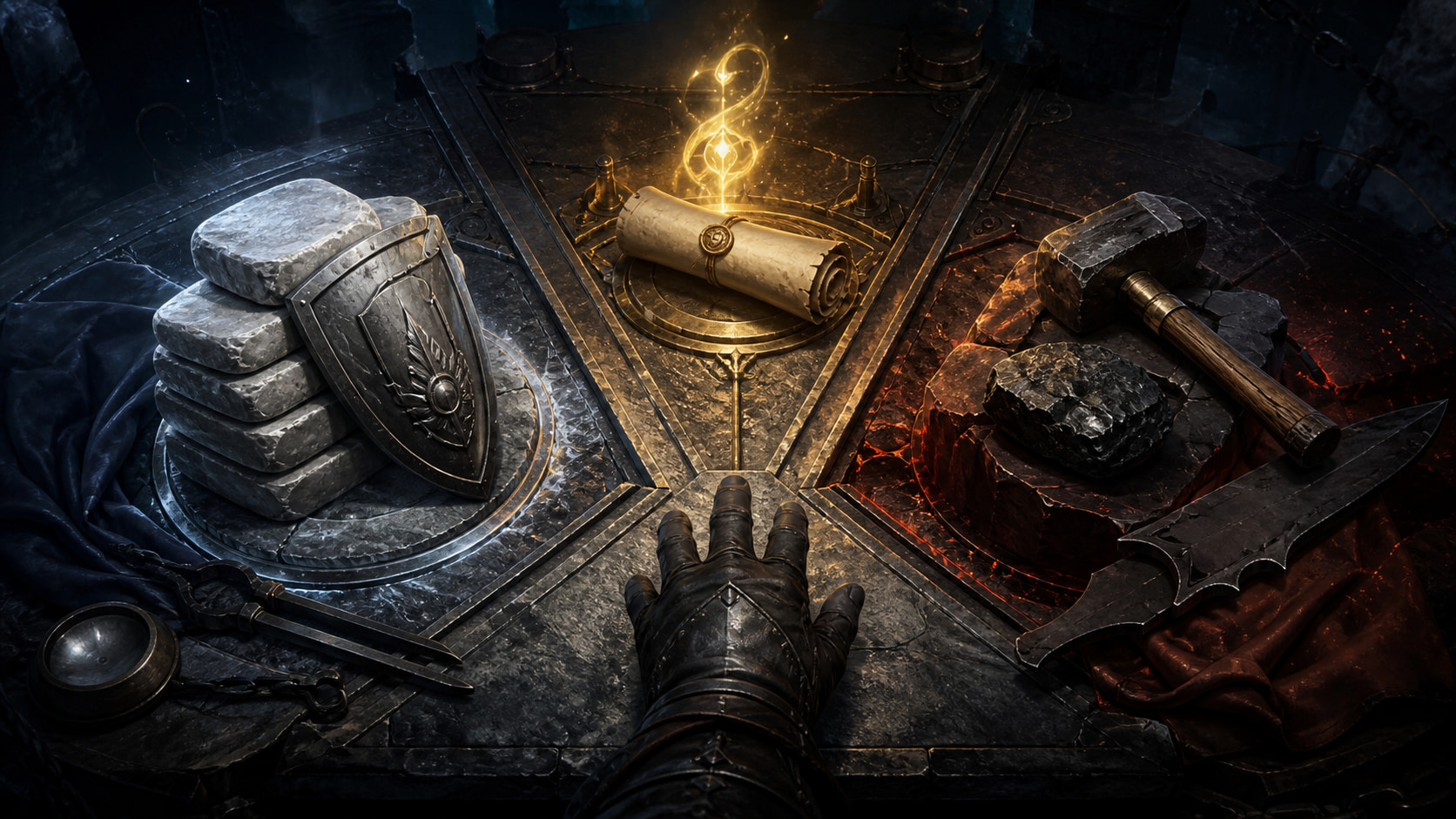
Cron, Valks, or Raw Tap? Make the Call Before You Click
Separate success chance from failure protection, price the downside, and choose a Cron-protected or raw attempt without copying a stale stack chart.
Enhancement & Gear
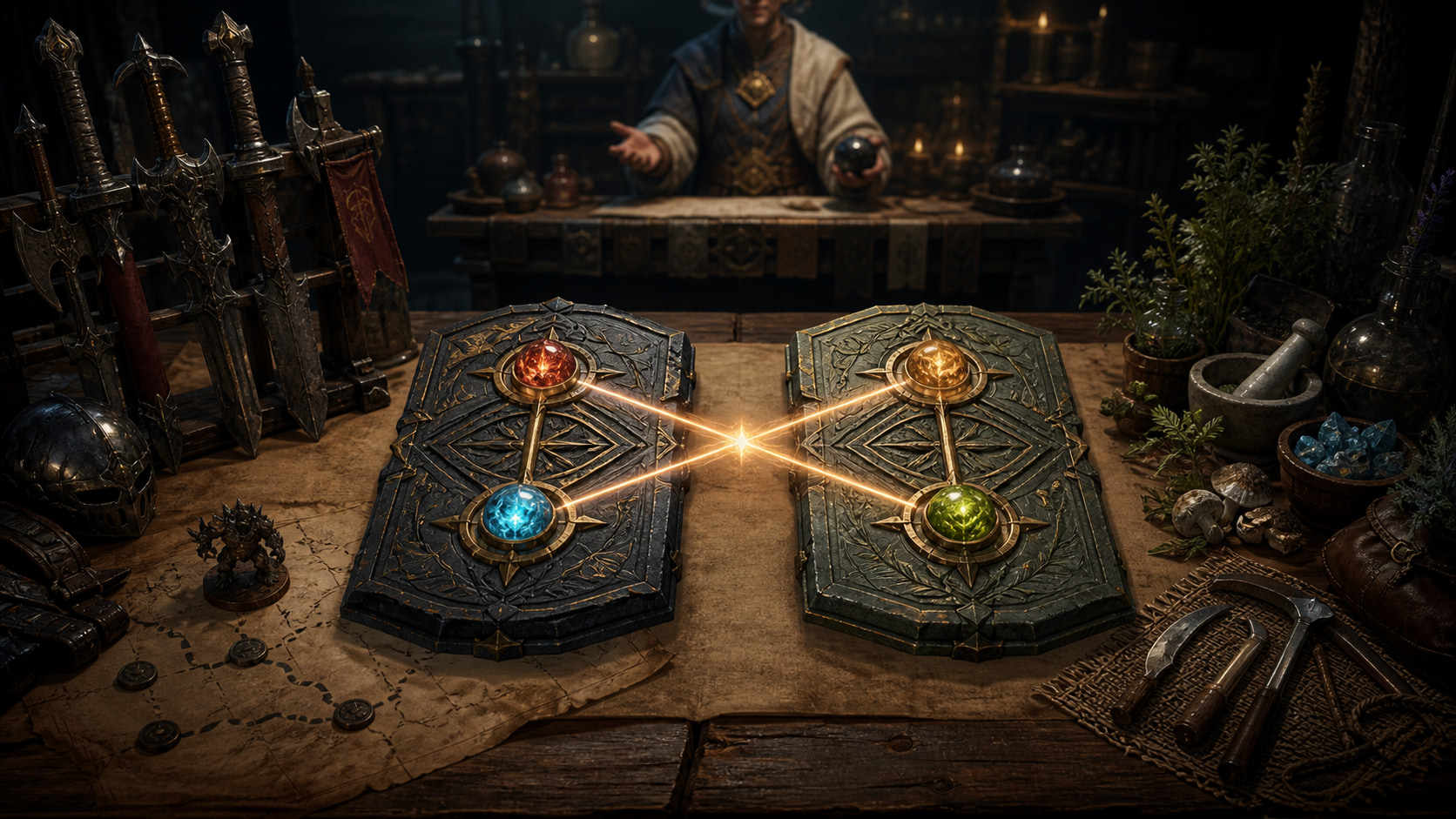
Artifacts & Lightstones: Build a Preset That Actually Procs
Set up two artifacts and four lightstones, activate a real combo, preserve valuable stones, and follow the current PC acquisition workflow.
Enhancement & Gear
Is PEN Blackstar Worth It? Check the Free Box First
Check free PEN Blackstar eligibility, pick the slot your account needs, ignore the removed Godr-Ayed route, and compare claim, market, or taps.
Do one last in-game check
BDO rules can shift by region, platform, quest state, event, or patch. Use the guide to find the right workflow, then confirm the deciding price, timer, restriction, or account state in the current NA/EU PC client before you commit silver or materials.